Personal AI assistant
P.A.I. follows the team chat and records the tasks agreed there. Nobody has to copy them into a separate list. The tasks stay in front of the team until someone closes them.
Runs in: BS Omni ERP
We embed language models where they save manual work: reading invoices, writing and translating content, an advertising agent, a task assistant. The agent proposes and a person confirms. Every action that leaves the system goes through a button.
Every business has work that needs no judgement but takes hours: copying lines off an invoice, reading a tracking number from a label, sorting the inbox, writing the same description in five languages, moving tasks from the chat into a list. People do it because nobody else will.
Language models are good at exactly this kind of work: reading, classifying, drafting. Their weak spot is that they are sometimes confidently wrong. So we do not let them act on their own. The model prepares the work, a person says yes, and only then is anything saved, sent or published.
There is a check between the model's decision and the action. Anything that only reads data, such as orders, stock or reports, goes through straight away. Anything that sends, spends, deletes or changes a setting stops and waits for explicit confirmation, separately for each action. One confirmation never applies to the next action. If nobody answers in time, nothing happens.
The same rule applies everywhere: in chat, in voice conversations and in background checks. An ad goes live with a button, a description is saved with a button, a parsed invoice is booked in with a button. There is always one moment on screen where a person made the decision, and it stays in the history.
Every automation goes through the same steps.
We use Anthropic Claude for writing, analysis and agents with tools, and Google Gemini for reading PDFs and photos, real-time voice and fast sorting. For each task we pick the model that does it best at a reasonable cost. We do not give light tasks to the most expensive model.
When data must not leave your infrastructure, a local model running on your own server can be used. Documents and conversations are then not sent to any outside service.
The agents work on the same data as the rest of the system, with no separate copy.
P.A.I. follows the team chat and records the tasks agreed there. Nobody has to copy them into a separate list. The tasks stay in front of the team until someone closes them.
Runs in: BS Omni ERP
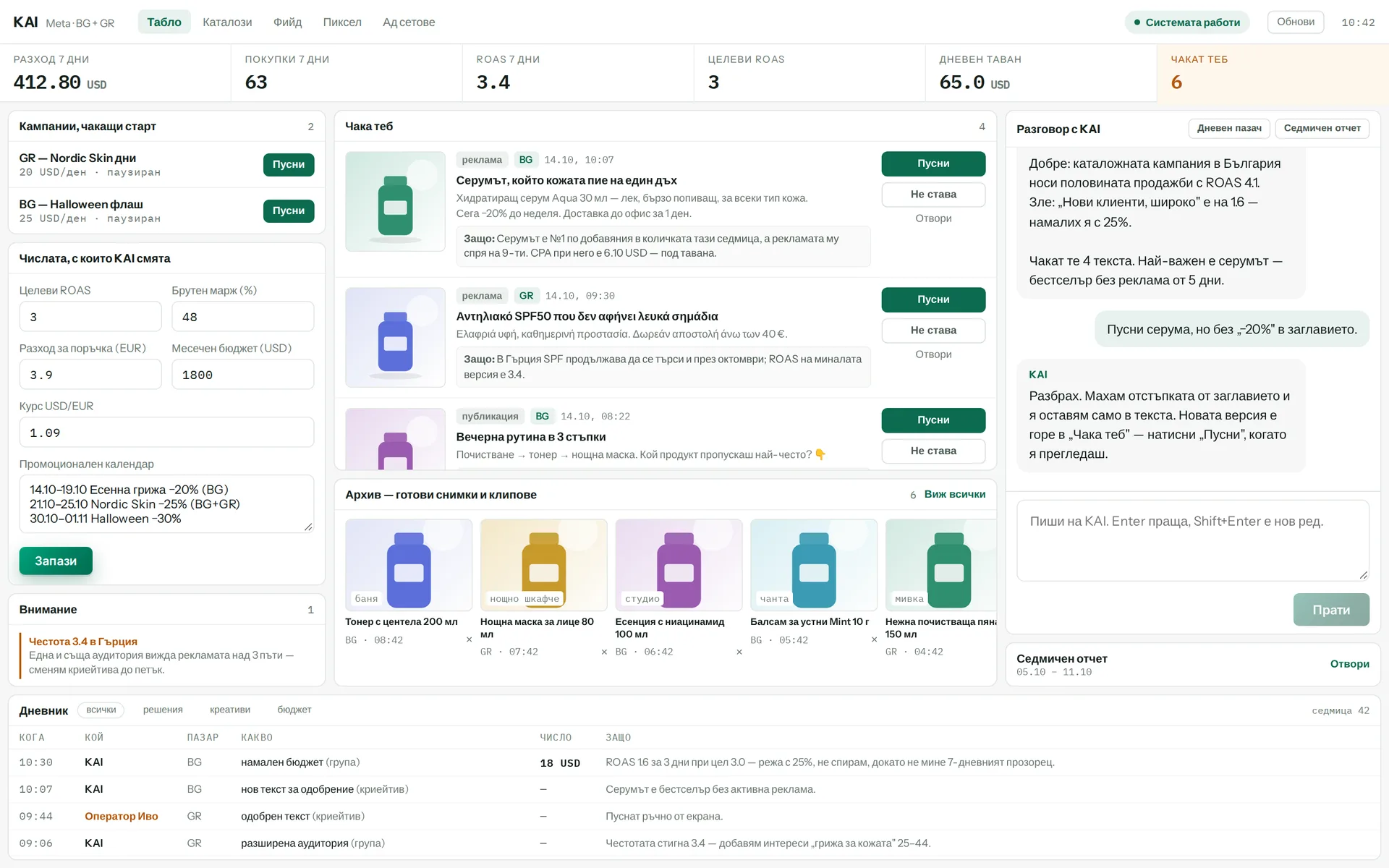
The agent reviews Facebook and Instagram campaign results per market and proposes what to launch, pause or rewrite, with the copy ready. Every ad links to the site for its market. A post with no link to the site cannot become an ad. A person launches the ad with a button.
Runs in: KoreanCare
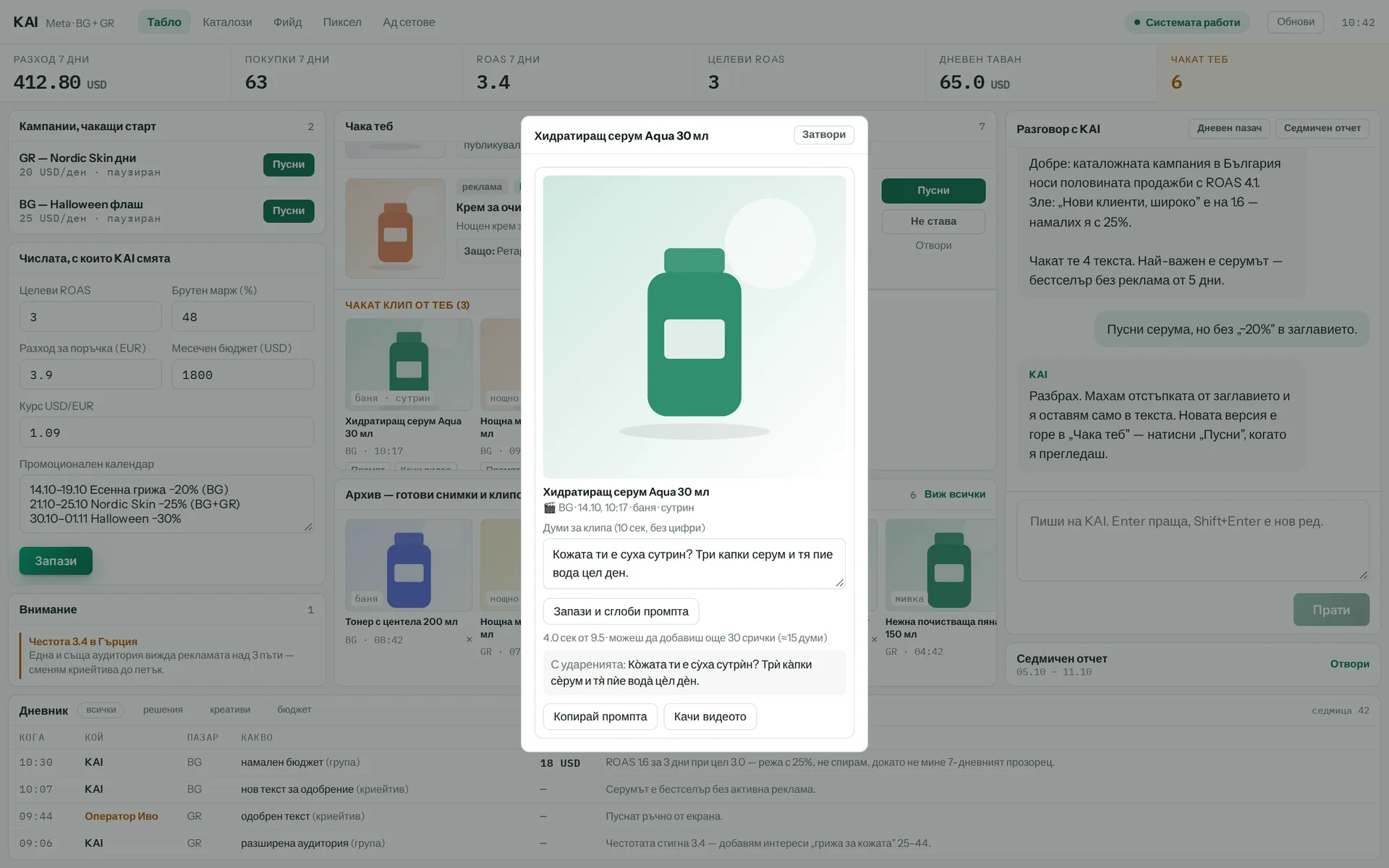
The agent writes the clip script and the video-generation prompt, marking word stress so the Bulgarian voiceover sounds right. The clip is made in an external tool and then uploaded back into the system. From there, one button turns it into a post or an ad.
Runs in: KoreanCare
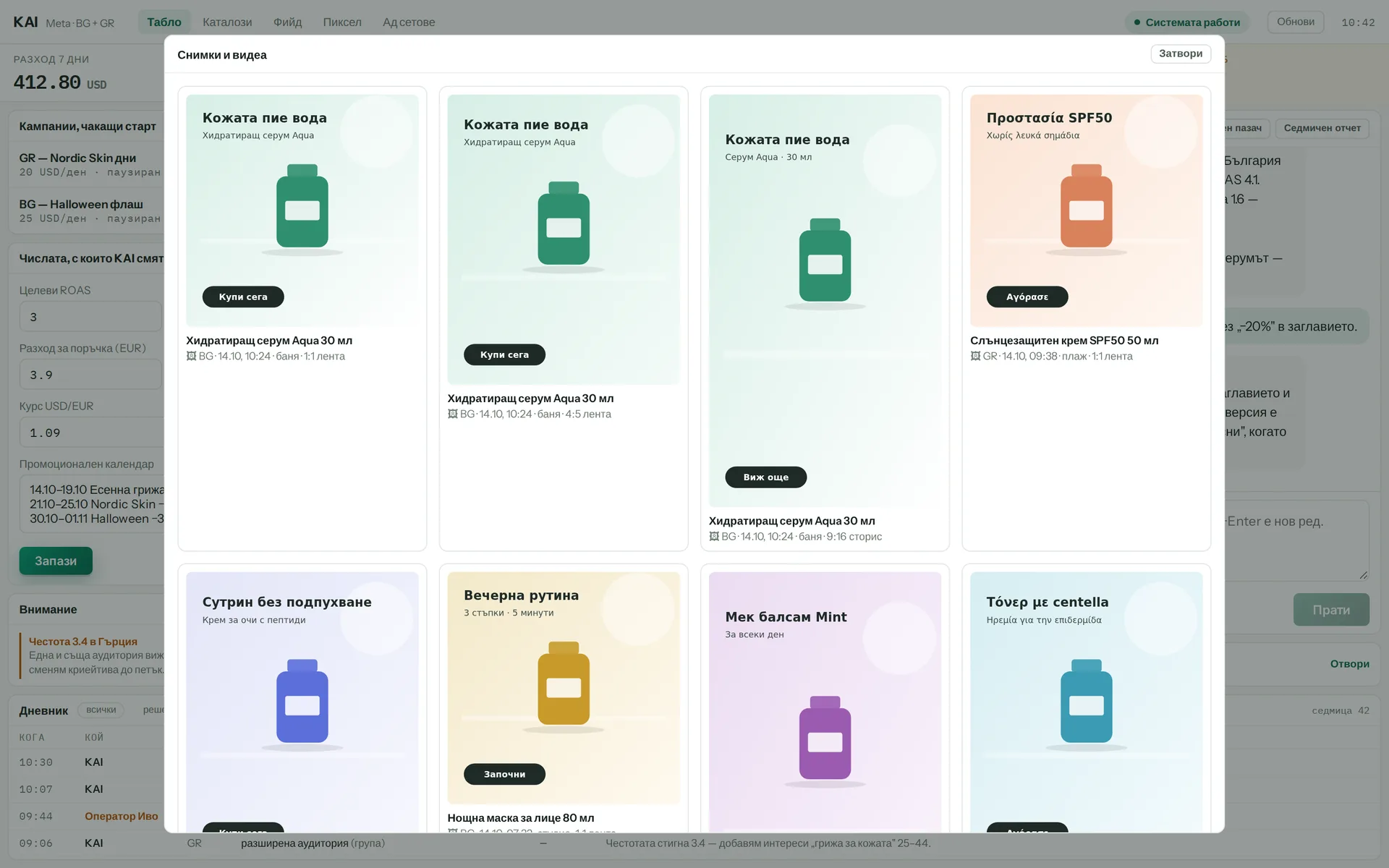
The system makes ad images from the brand profile and a brief, in the format each platform needs. Each image passes an automatic quality check before you see it. If image generation is unavailable, you still get the finished brief and the prompts.
Runs in: KoreanCare
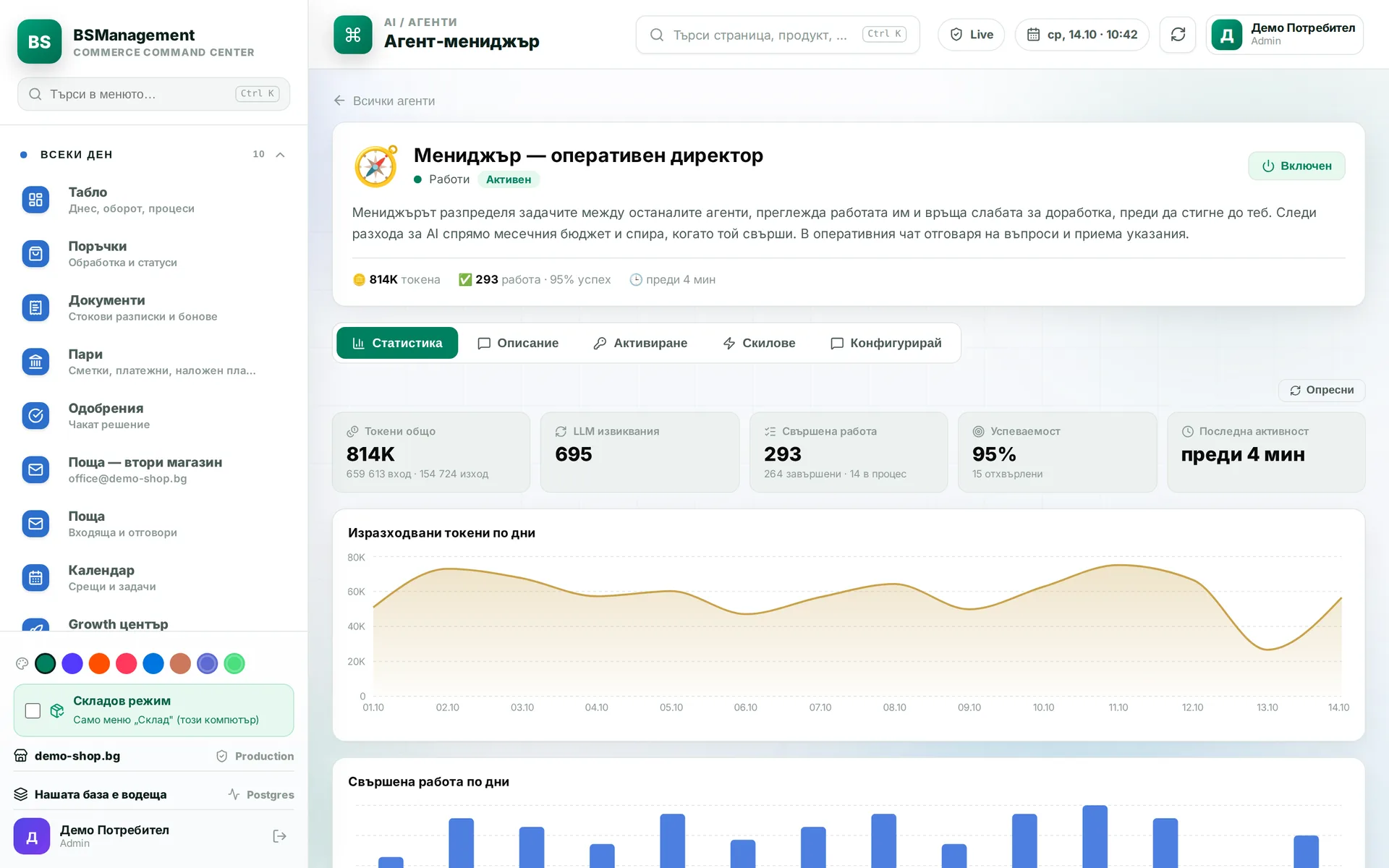
The lead agent assigns tasks to the other agents, reviews their work and sends weak results back for another go. It tracks AI spend against the budget and stops when the budget runs out. In the operations chat it answers questions and takes instructions.
Runs in: KoreanCare
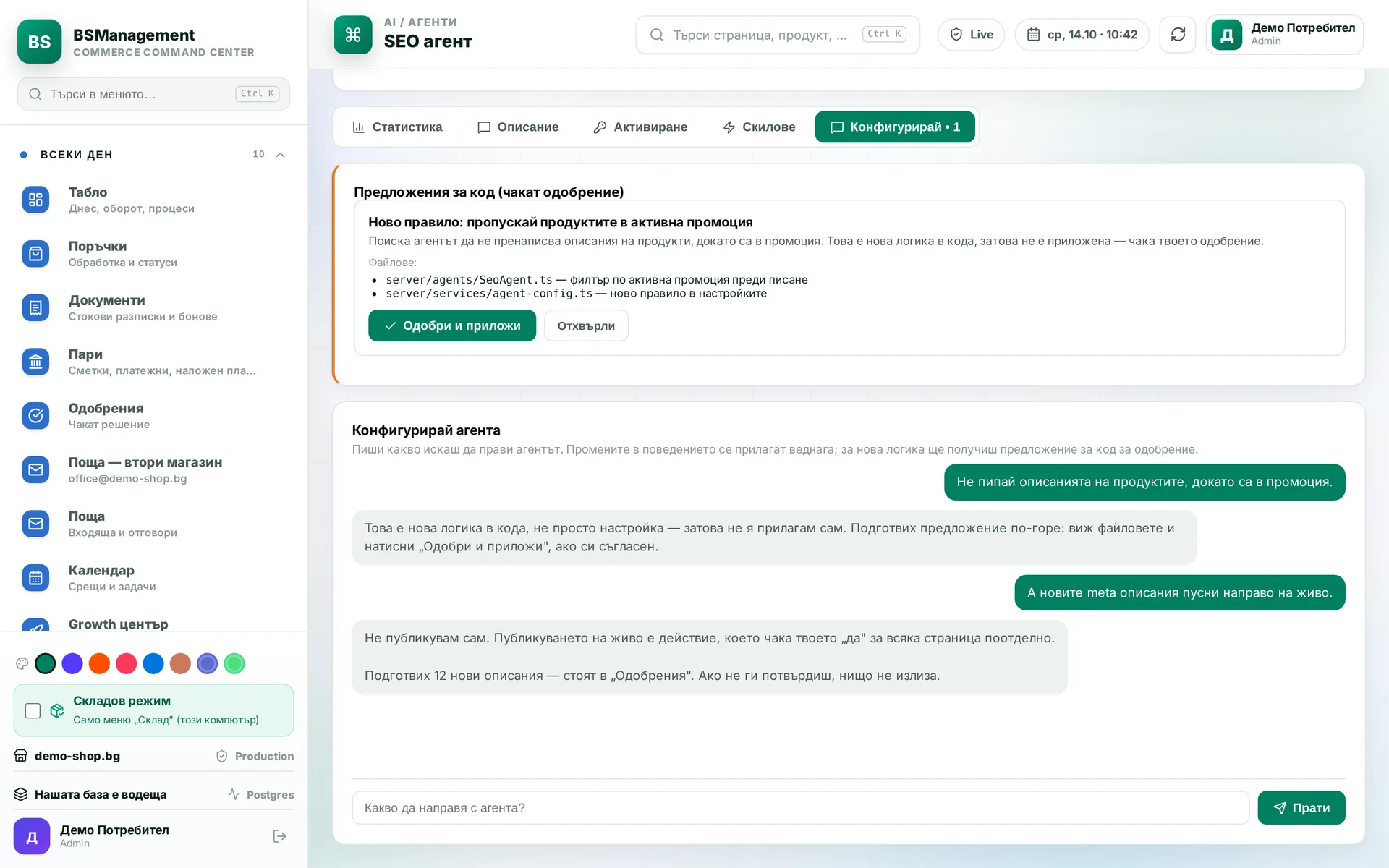
There is a check between the model's decision and the action itself. The agent can read freely. Actions that send, spend, delete or change a setting stop and wait for explicit confirmation, each one separately. If no confirmation arrives in time, the agent does nothing.
Runs in: KoreanCare
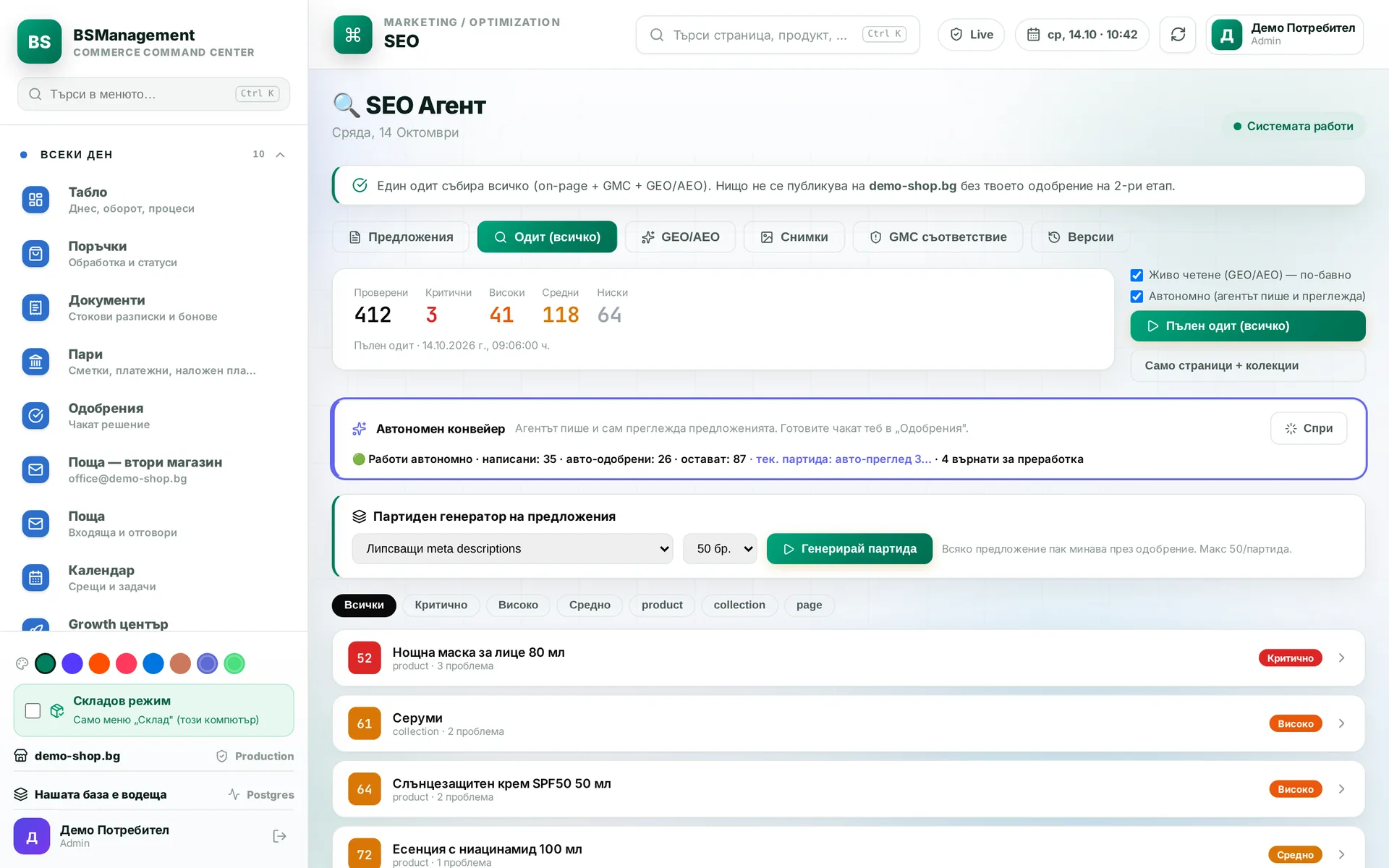
After the audit, the agents write a proposal for each task, check each other's work and hand it to the owner. Once the owner approves, translations into every language start on their own. One sentence in the chat pauses or resumes the work. Nothing goes live without approval.
Runs in: KoreanCare
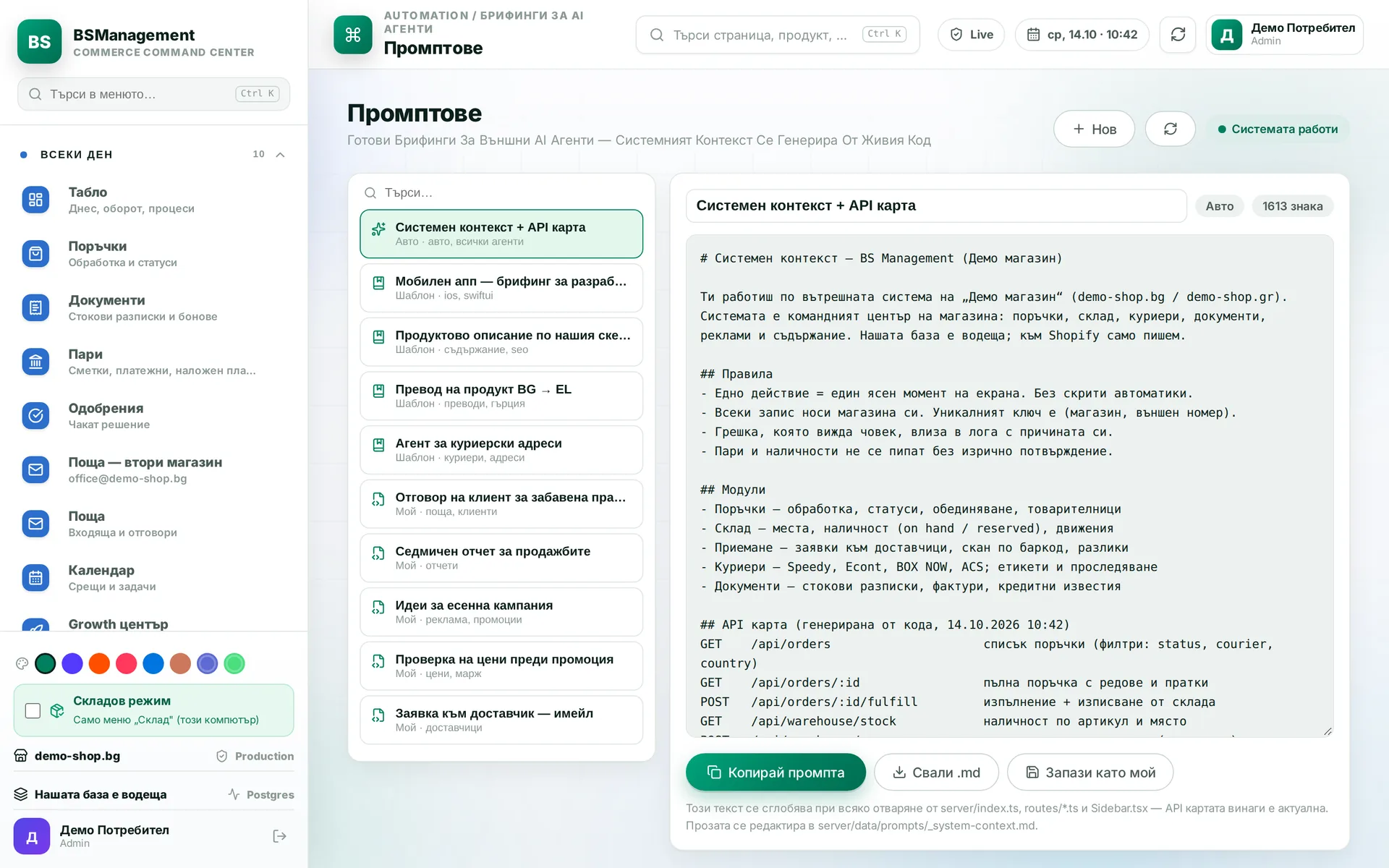
When you hand a task to an external AI agent, you put the briefing together here. The system adds the context itself: the company rules and an up-to-date map of the API with its available endpoints. The agent starts with an accurate picture instead of guessing.
Runs in: KoreanCare
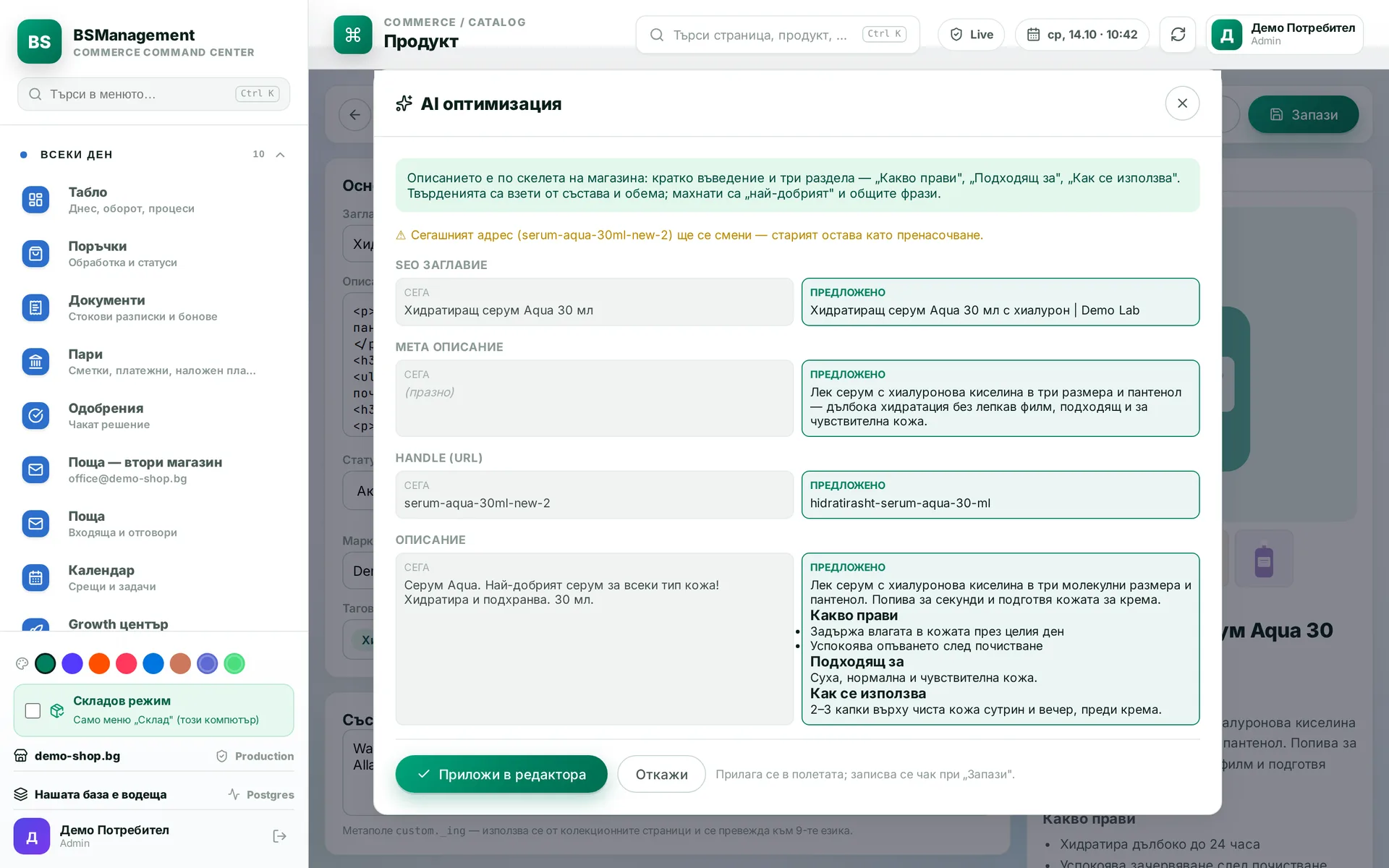
The system writes each description to a fixed template with the same sections for every product, then adapts it for each store and language. The text is built from the product's own data. A person reviews it and saves it.
Runs in: KoreanCare, BS Omni ERP, Easy App, LedWhite, UltraFeeds
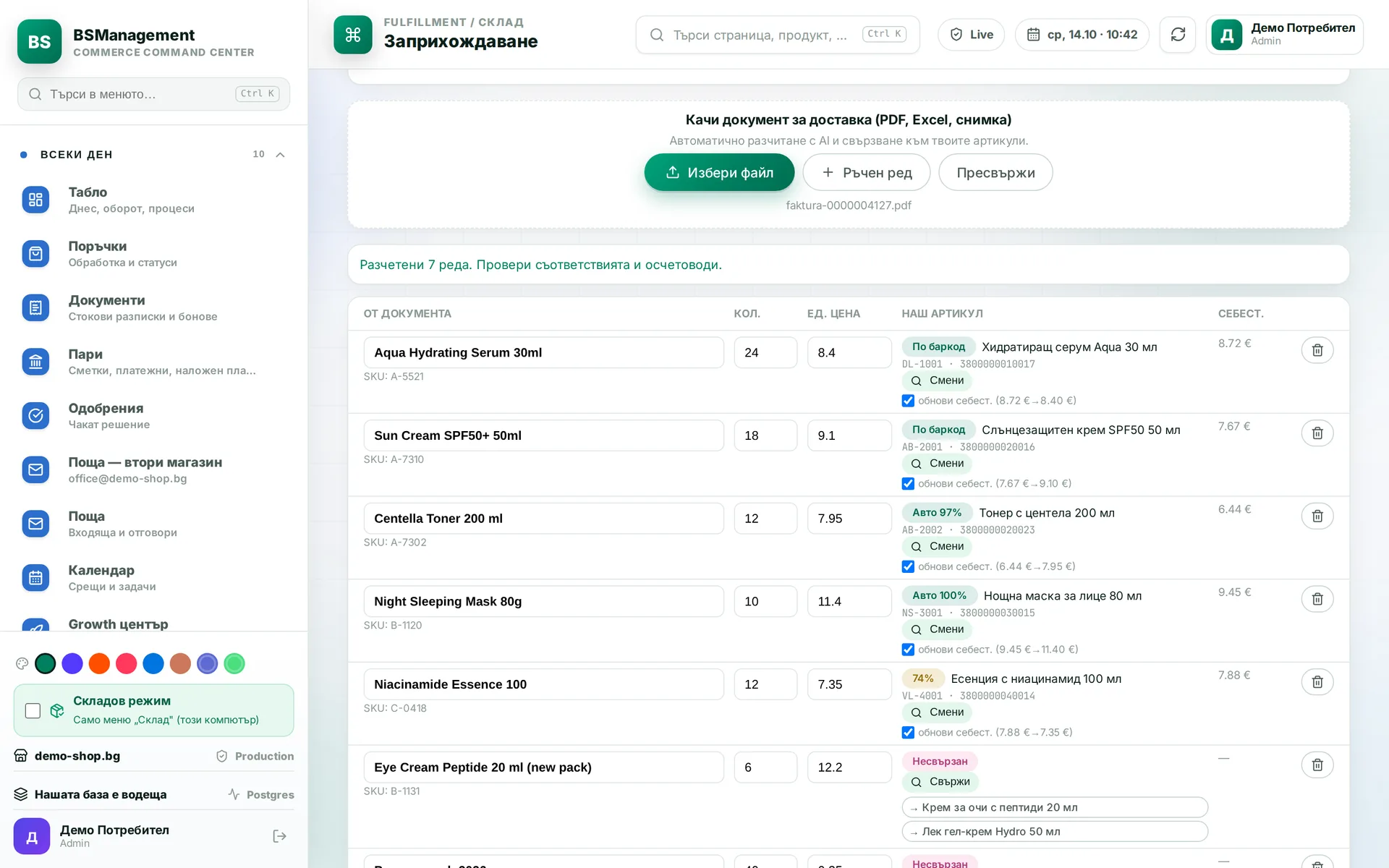
You upload a supplier invoice and the system reads its lines and matches them to catalogue items by SKU, by links it has already learned and by name. You confirm uncertain matches by hand, and the system remembers them for next time. The confirmed invoice books the goods into stock.
Runs in: KoreanCare
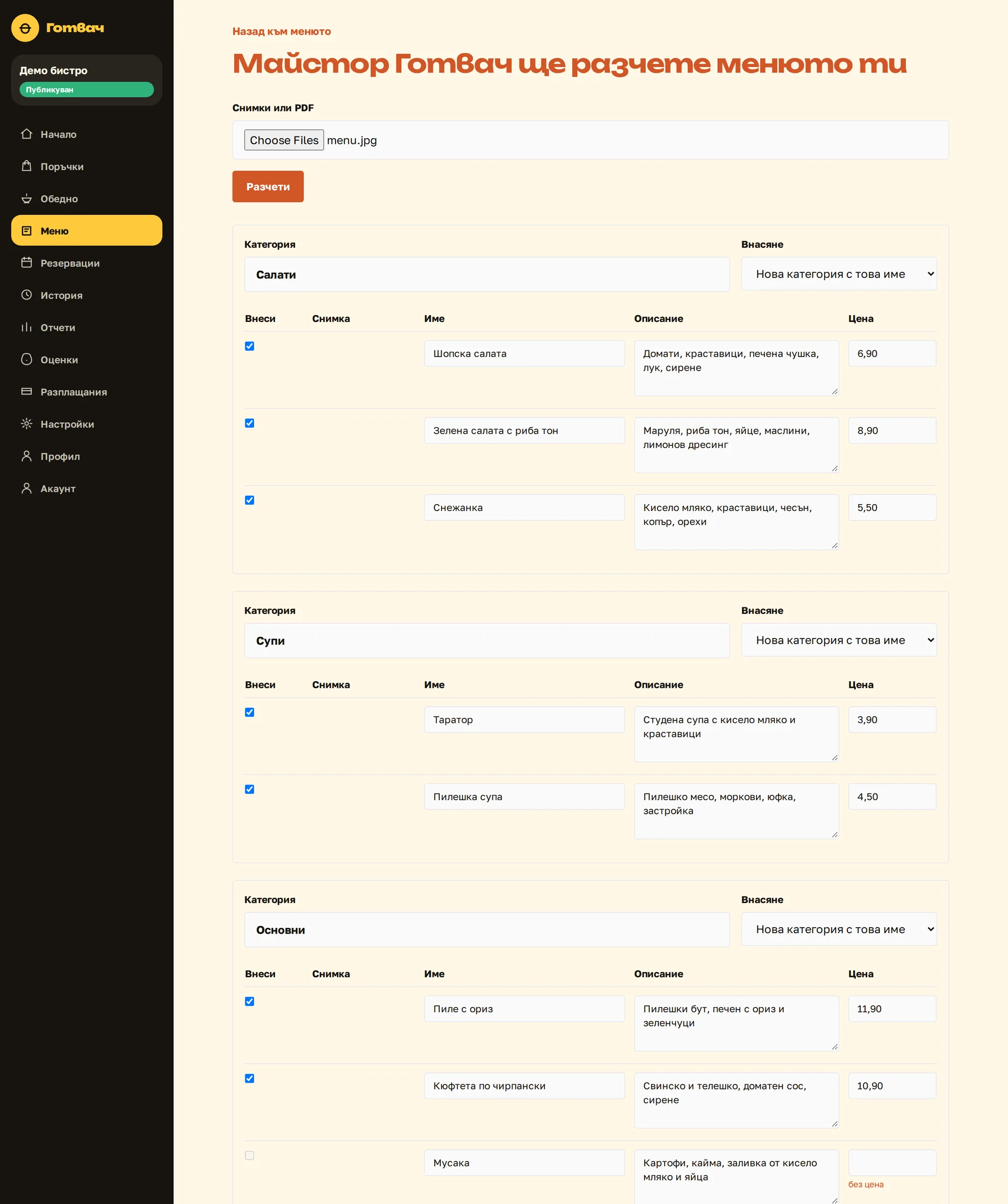
The system reads a photo or PDF (a daily menu, an accounting statement, a photo to recognise) and turns it into structured data. First it shows what it read and what it matched, without saving anything. Saving is a separate button that a person presses after checking.
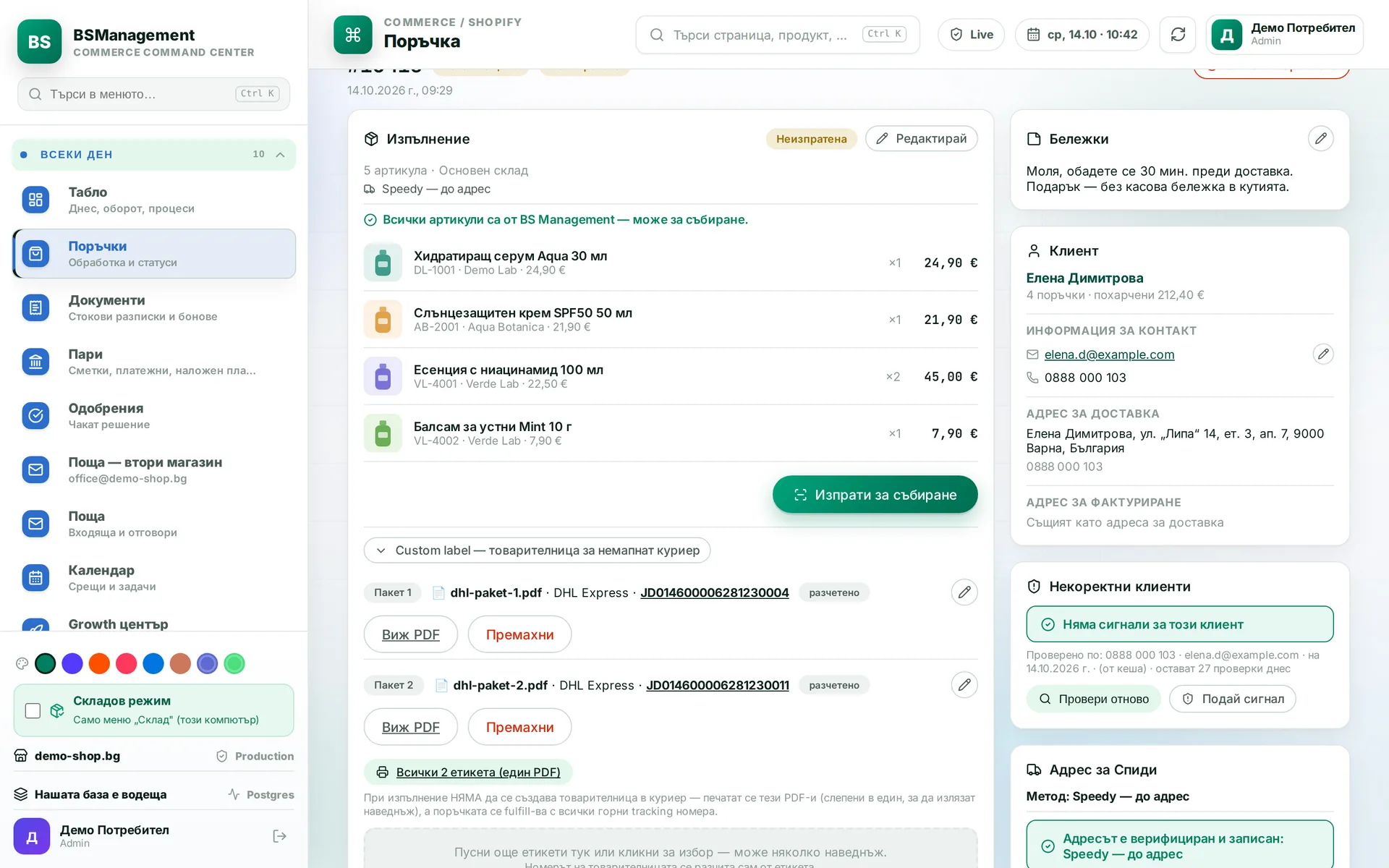
The operator attaches a shipping label PDF and the courier and tracking number fill in on their own. The model reads the page as a person would, including the number under the barcode. A number typed by hand always wins over the one that was read.
Runs in: KoreanCare
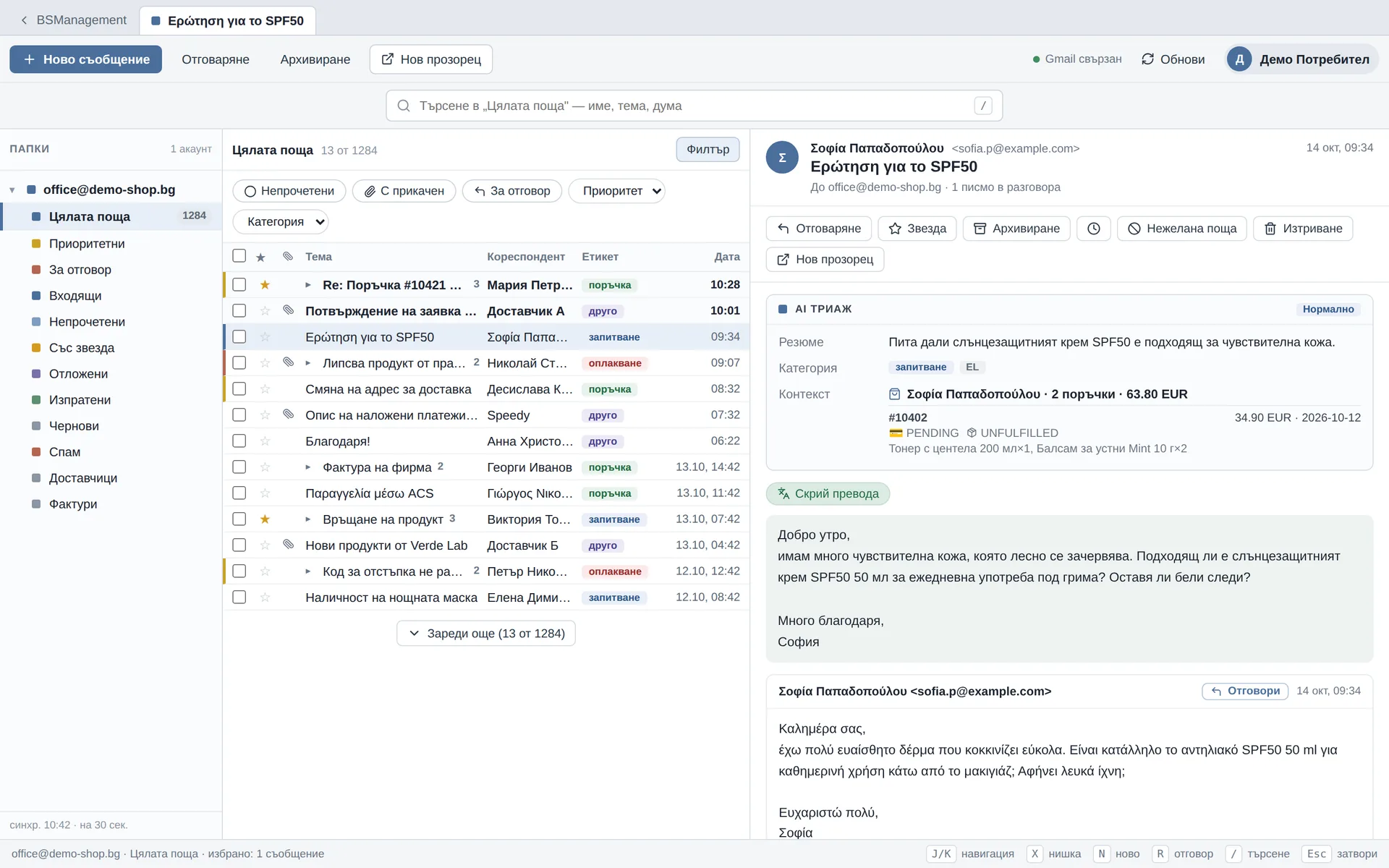
Every incoming email gets a priority, category, language and short summary, so urgent mail is seen first. A foreign-language email is translated with one button.
Runs in: KoreanCare, Easy App, UltraFeeds
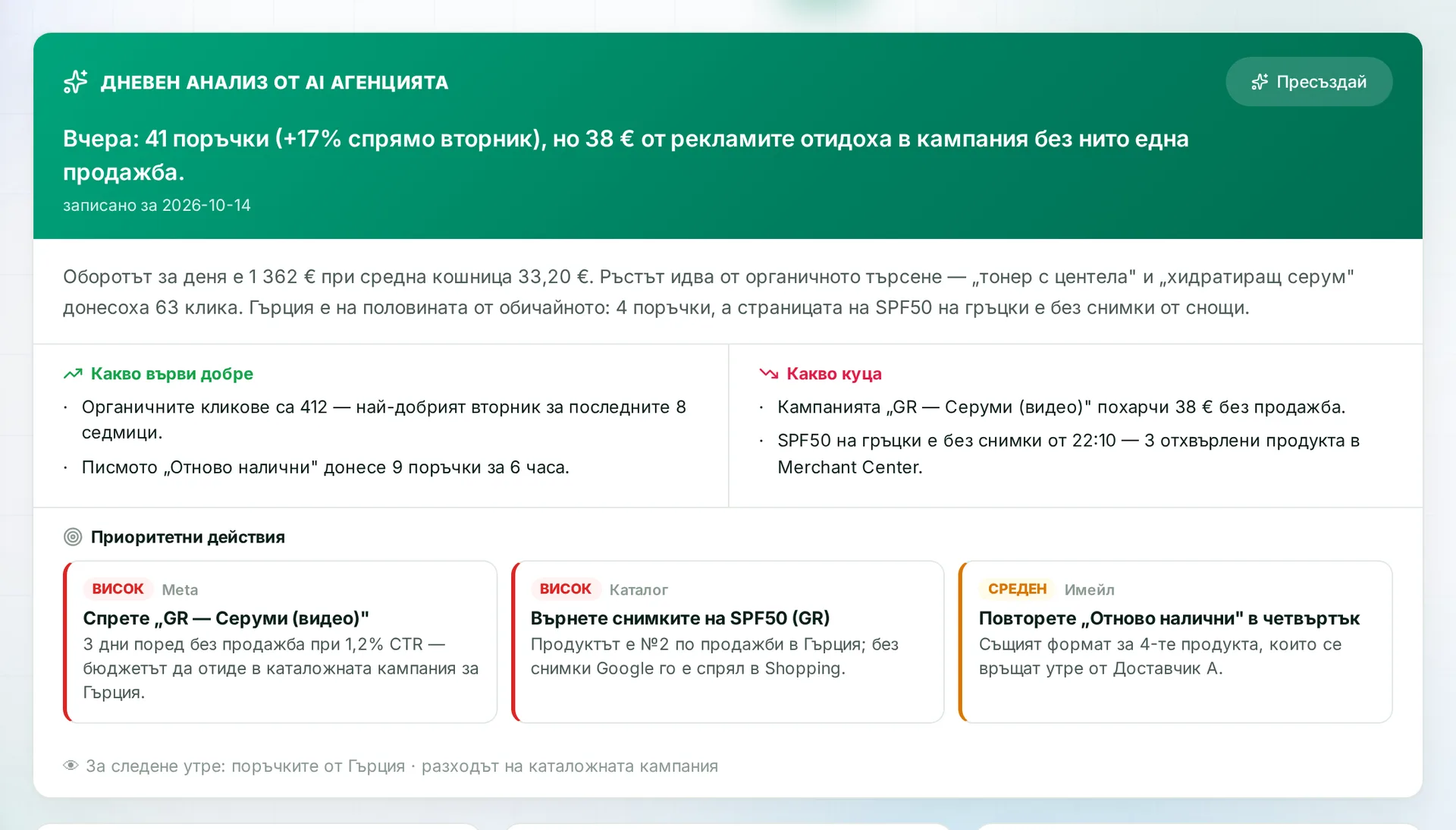
Every day the system pulls together data from sales, ads, traffic and search and writes a short review. It says what is rising, what is falling, where money goes without results and what to do first. It takes minutes to read in the morning.
Runs in: KoreanCare
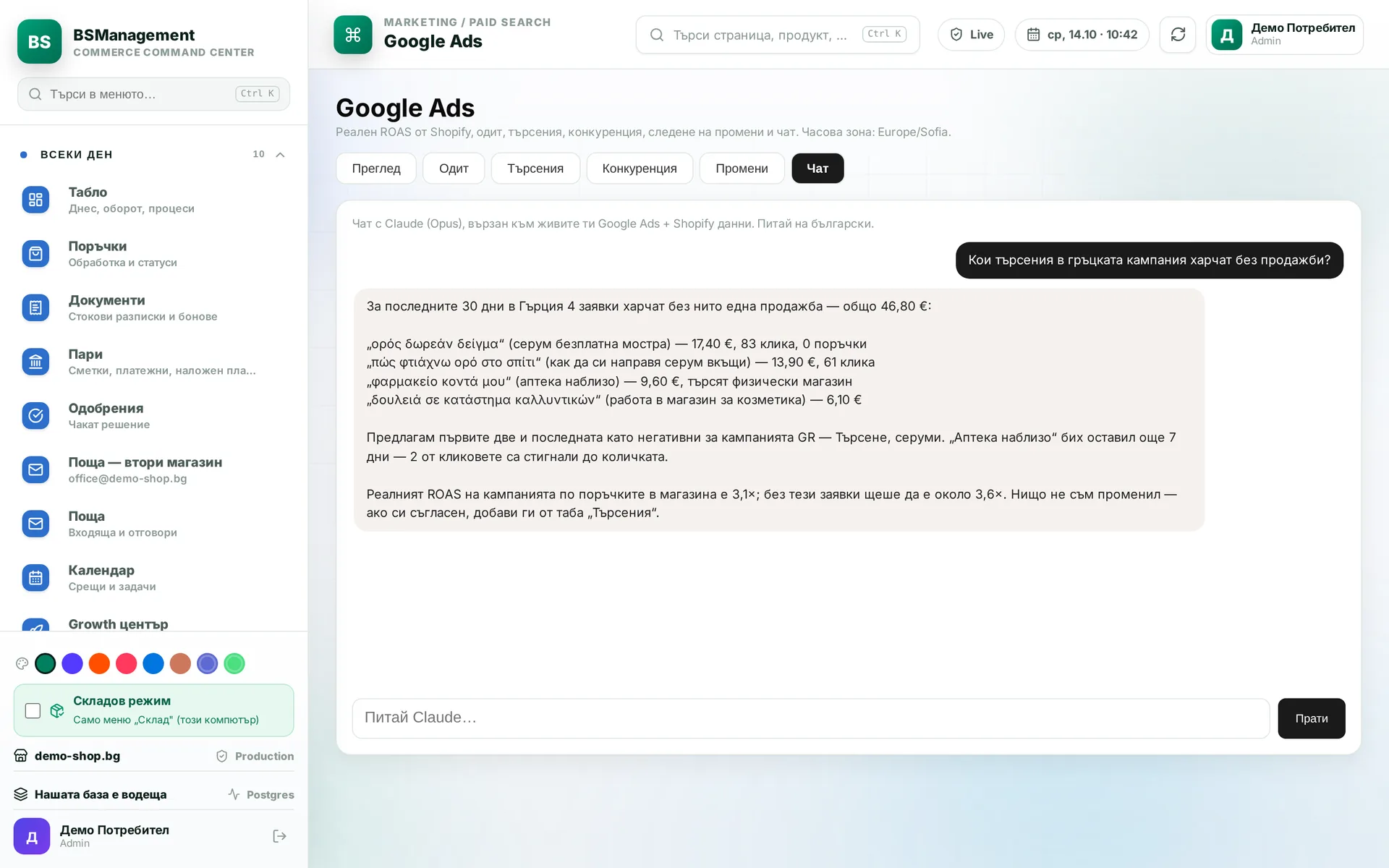
Ask in plain language about Google Ads campaigns, such as what spends without sales or which search terms to exclude, and the chat answers from the real data. A short daily digest of changes comes too. A person makes the actual changes to the campaigns.
Runs in: KoreanCare
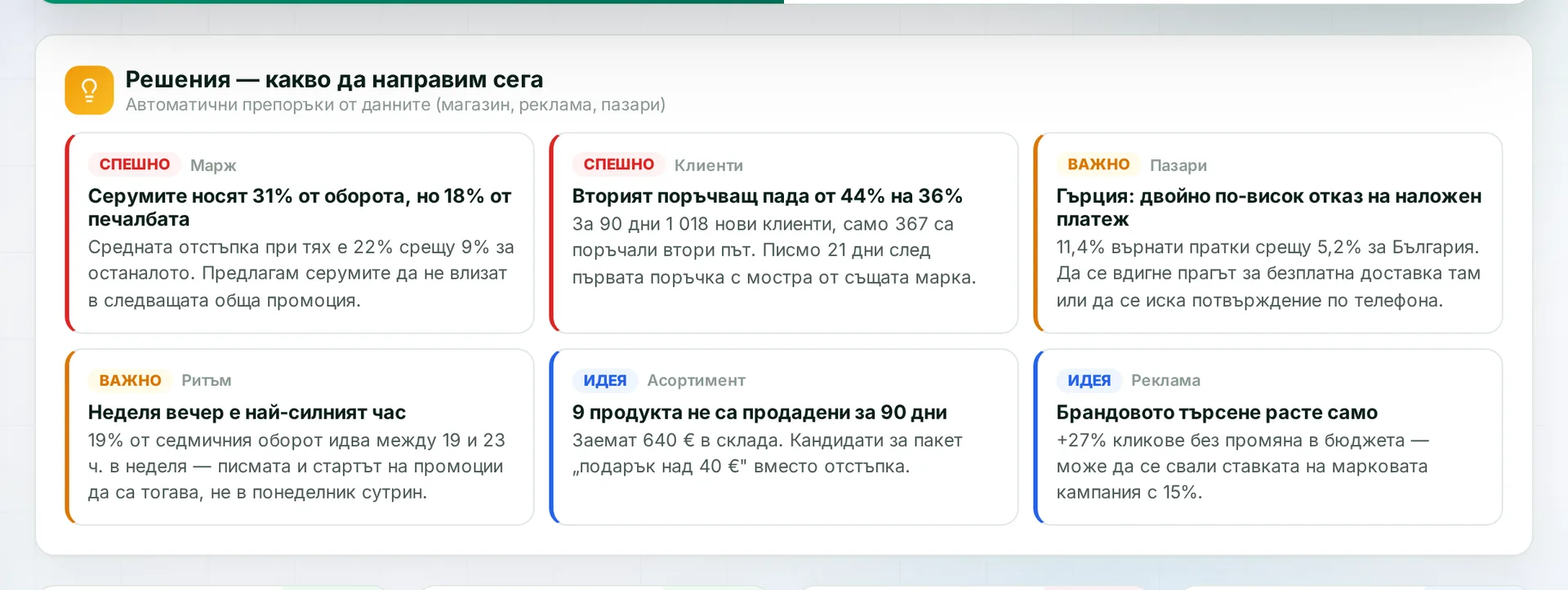
The code calculates the figures. The model gets the finished table and writes the conclusions and recommendations. It never makes up numbers, and the conclusions are in plain language.
Runs in: KoreanCare, MyCRM
Recurring work runs on a schedule: store syncs, reconciliations, supplier orders, promotions, reports and checks. Nobody has to remember to start them, and their results show up in the relevant module.
Runs in: KoreanCare
International online store for Korean cosmetics
An international Shopify store for many markets and languages, with the BS Management system around it: a warehouse with barcode and voice picking, waybills for several couriers, our own checkout shipping service, sales documents, feeds, advertising, SEO and translations into many languages.
See the projectOwn product
Own product — omnichannel ERP for wholesale and retail
One system for the in-store till, orders from online stores, marketplaces, B2B and incoming mail, the warehouse, suppliers, couriers, invoices and price lists. Every hour it checks for discrepancies between the warehouse and the stores.
See the projectLED lighting online store
A back office for the Shopify store (catalogue, orders, warehouse, couriers, margins, supplier orders, supplier feed import and AI content), plus the store theme.
See the projectLunch menu platform
A platform for restaurants' daily lunch menus: AI menu reading from a photo, subscriptions with online payment, emails by city and a mobile app.
See the projectOwn product
Own product — CRM
A general-purpose CRM (clients, projects, tasks, template contracts and AI analytics) with an Android app that updates without a new app store release.
See the projectOwn product
Own product — product feeds
A product feed service that publishes the catalogue from Shopify to marketplaces such as eBay and Kaufland and processes titles and descriptions with AI.
See the projectOwn product
Own product — mobile app
A fishing app for Android and iOS: AI fish recognition from a photo, a forecast, a map of waters and a catch log.
See the projectThe mistake is visible before it has consequences, because nothing is saved or sent without confirmation. The system shows what it read and what it matched it to, and uncertain matches are flagged. The person's correction is remembered, and next time the model starts from it.
With Claude and Gemini, only what the specific task needs is sent to the model: the invoice text, the email, the question. If that is not acceptable to you, the task runs through a local model on your own server. We decide this for each task separately rather than for the whole system at once.
Model costs depend on the volume of work and are paid by usage. The system tracks spending and stops the agents when the set budget runs out. Light tasks go through cheaper models.
Only where the action is safe: reading, lookups, drafting text. Anything that sends, spends or changes something waits for confirmation. We chose this on purpose and do not plan to change it.
Yes. We usually start with the most tedious manual job, such as reading invoices or sorting email. We add the rest in stages once the first part is already saving time.
You do. The code, rules and agent settings become your property, with no licences or per-user fees.
Describe it briefly. We will tell you how we would solve it.
Send an inquiry